mirror of
https://github.com/Ocelot-Social-Community/Ocelot-Social.git
synced 2026-03-01 12:44:37 +00:00
 08244ab4b2
https://github.com/Human-Connection/Human-Connection/pull/1543#pullrequestreview-287593264

Thinking about it, I really ask myself why I did not find this solution
earlier 🙈

Of course, you don't want to share the generated `buildDir`
with the host system. If you happen to share the `webapp/` folder,
simply point NuxtJS to a build directory somewhere else. Easy!


Webapp
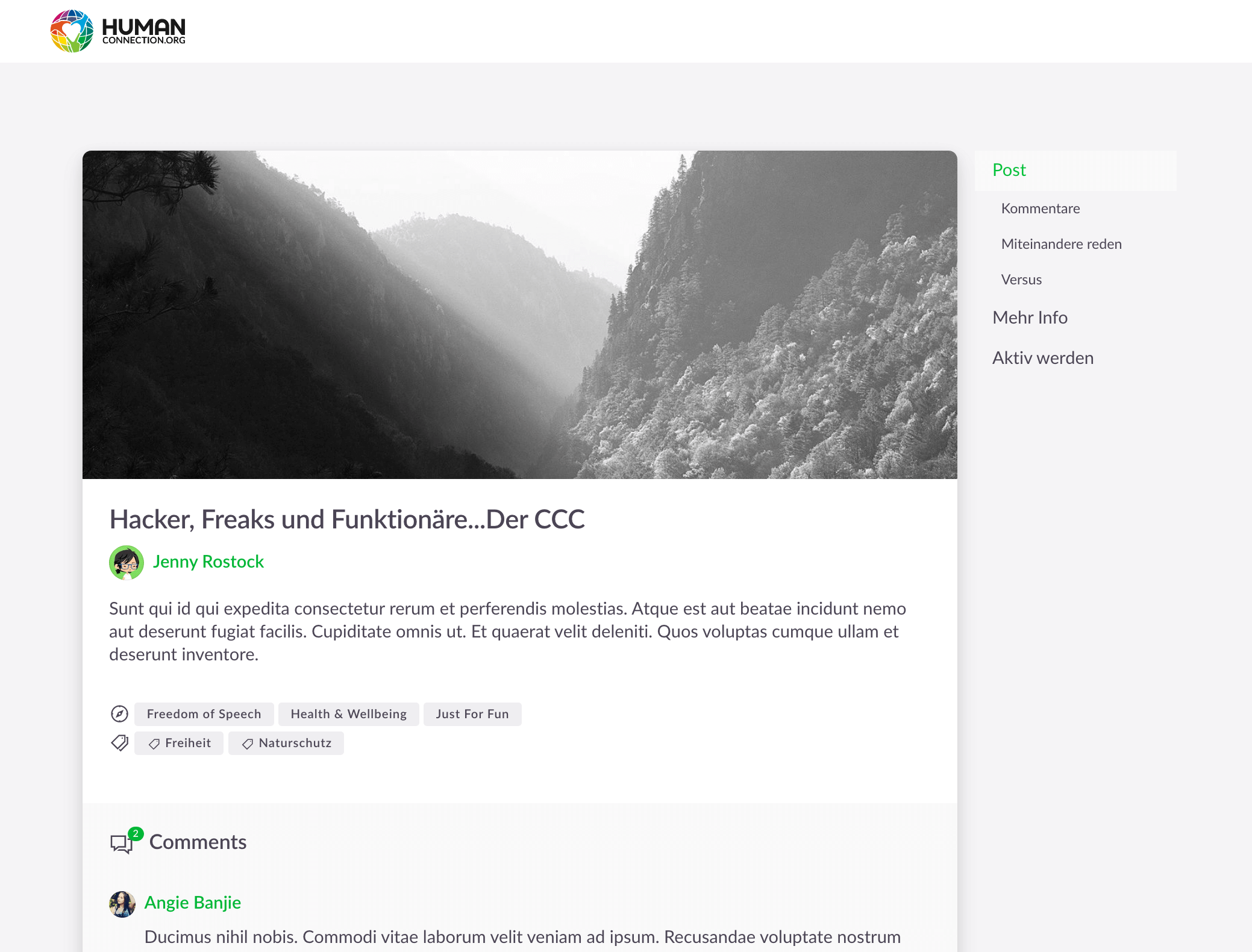
Installation
# install all dependencies
$ yarn install
Copy:
cp .env.template .env
cp cypress.env.template.json cypress.env.json
Configure the files according to your needs and your local setup.
Build for Development
# serve with hot reload at localhost:3000
$ yarn dev
Build for Production
# build for production and launch server
$ yarn build
$ yarn start
Styleguide
All reusable Components for example avatar should be done inside the Nitro-Styleguide repository.
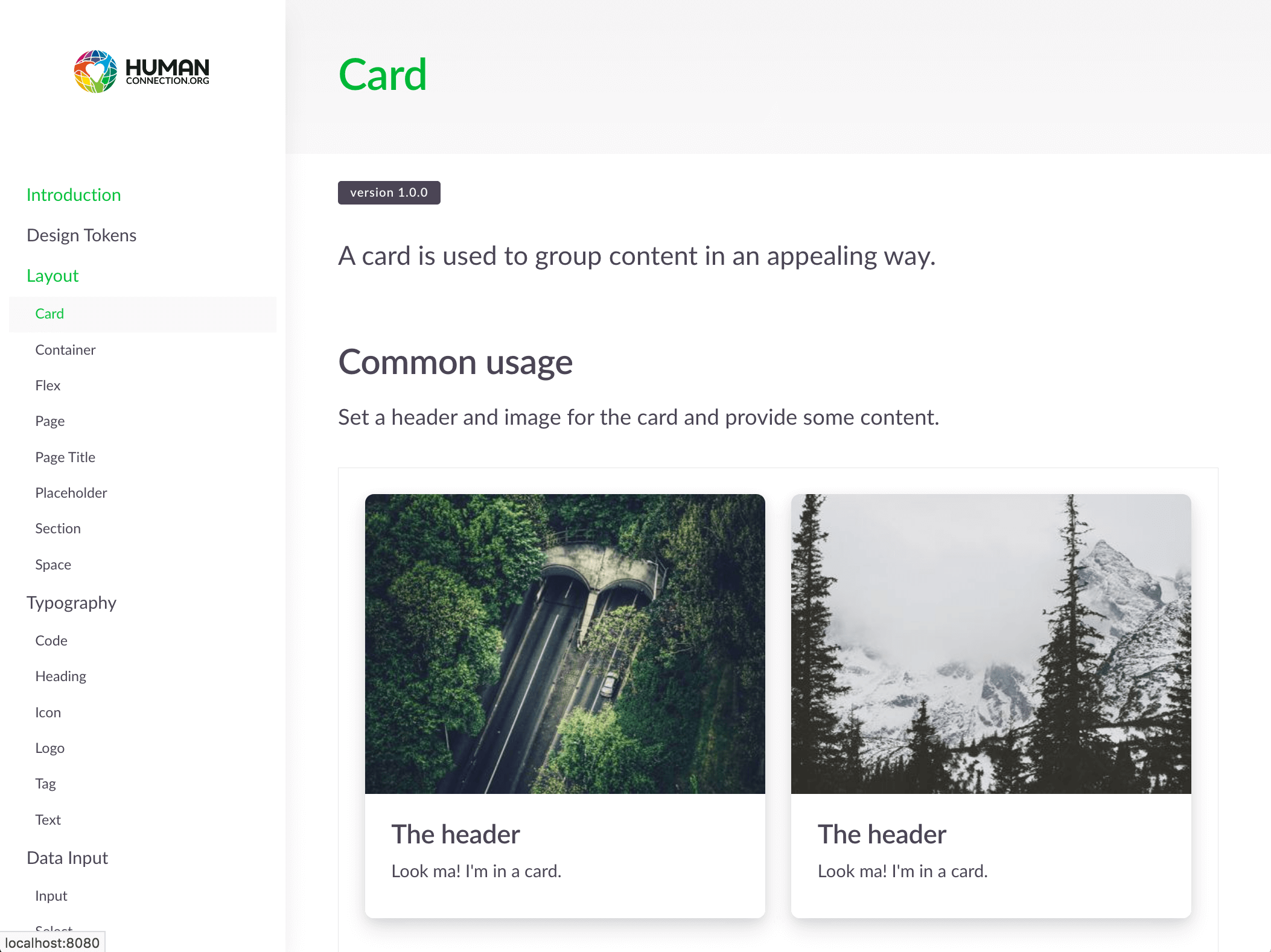
More information can be found here: https://github.com/Human-Connection/Nitro-Styleguide
If you need to change something in the styleguide and want to see the effects on the frontend immediately, then we have you covered. You need to clone the styleguide to the parent directory ../Nitro-Styleguide and run yarn && yarn run dev. After that you run yarn run dev:styleguide instead of yarn run dev and you will see your changes reflected inside the frontend!