 72edf78889
Some important commit messages:

```
    Fix youtu.be not being embedded

    And also try to maintain the old behaviour matching
    `provider.provider_url`.
```

```
    Remove confusing code comments and obsolete code

    I discovered that the behaviour of no duplicate notifications being send
    out is caused by the frontend: When the editor reads html from the
    backend, it will parse hashtags and mentions as ordinary links, not as
    their respective nodes during editing. Also, we don't have to worry
    about duplicate ids being found: The cypher statement will implicitly
    suppress duplicate notification nodes for the same user.

    So let's remove the code to avoid confusing the next developer.
```

```
    Test editor.getHTML()

    I do this because I'm not able to test the content of `this.editor` from
    a wrapper of `vue-test-utils`. If I call `this.editor.getHTML` directly
    and use it as a computed property `renderedContent` to populate a `<div
    v-html="renderedContent" />` this will not work for the embeds. So, my
    current best bet is to test the editor object isolated from a real
    component. ;(
```

```
    Add core-js as explicit dependency

    Because of build errors on Travis.

    See: https://stackoverflow.com/a/55313456

    Remove as soon as this issue is resolved:
    https://github.com/storybookjs/storybook/issues/7591

```

```
    Refactor: Keep Runtime-only builds

    See: https://vuejs.org/v2/guide/installation.html#Runtime-Compiler-vs-Runtime-only
```
End-to-End Testing
Configure cypress
First, you have to tell cypress how to connect to your local neo4j database among other things. You can copy our template configuration and change the new file according to your needs.
Make sure you are at the root level of the project. Then:
# in the top level folder Human-Connection/
$ cp cypress.env.template.json cypress.env.json
Run Tests
To run the tests, do this:
# in the top level folder Human-Connection/
$ yarn cypress:setup
After verifying that there are no errors with the servers starting, open another tab in your terminal and run the following command:
$ yarn cypress:run
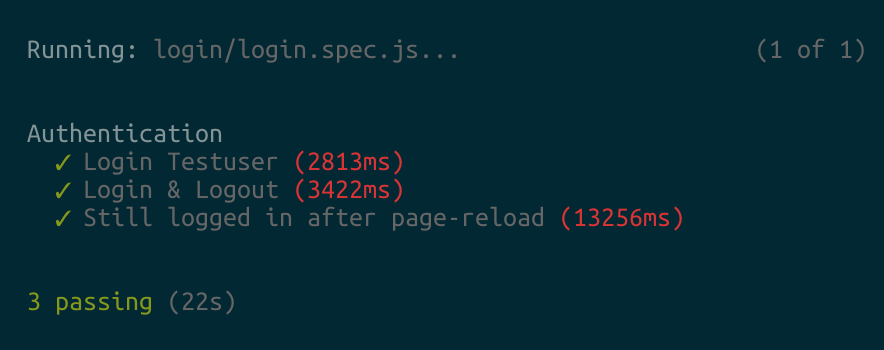
After the test runs, you will also get some video footage of the test run which you can then analyse in more detail.
Open Interactive Test Console
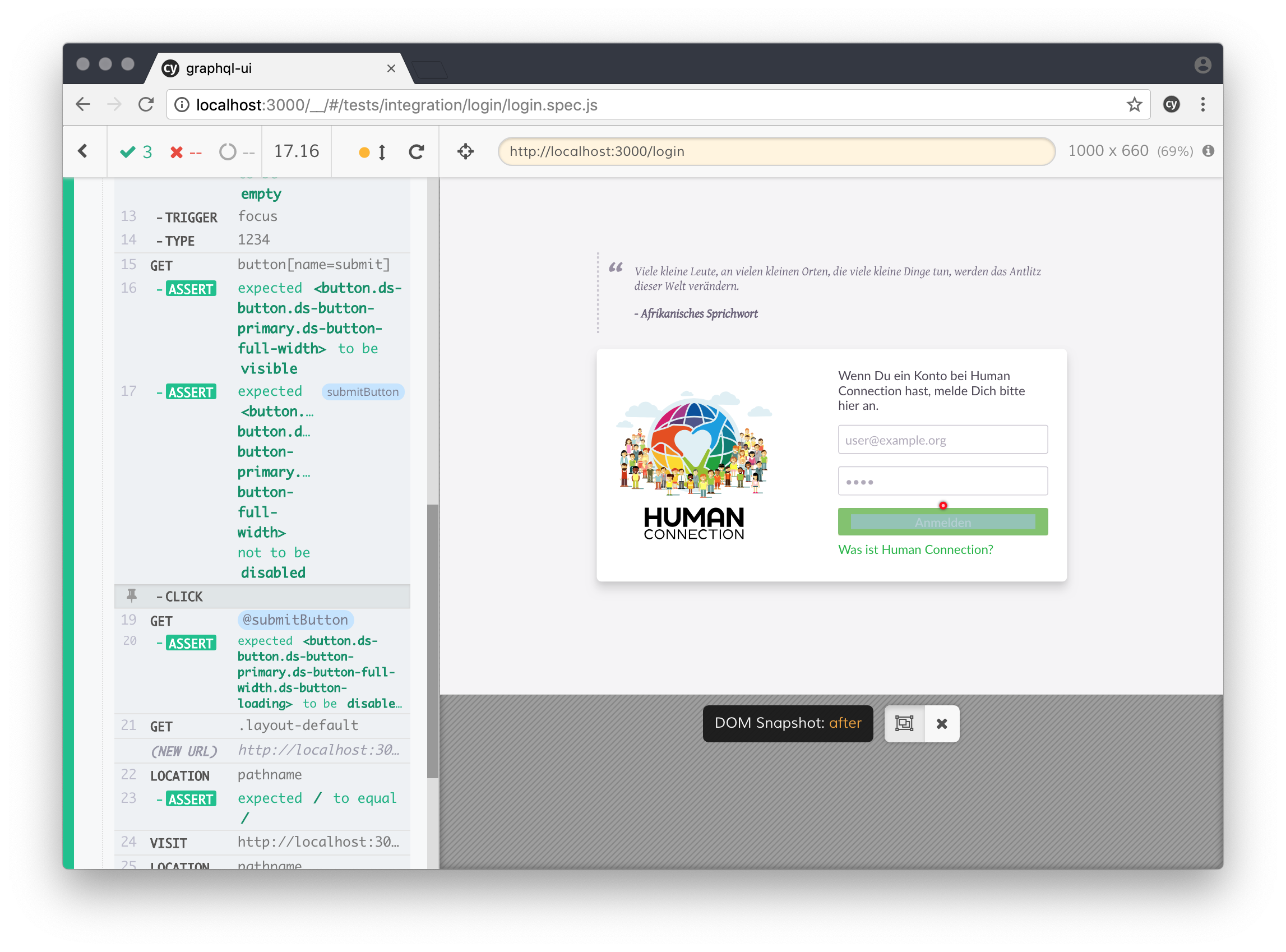
If you are like me, you might want to see some visual output. The interactive cypress environment also helps at debugging your tests, you can even time travel between individual steps and see the exact state of the app.
To use this feature, you will still run the yarn cypress:setup above, but instead of yarn cypress:run open another tab in your terminal and run the following command:
$ yarn cypress:open
Write some Tests
Check out the Cypress documentation for further information on how to write tests: https://docs.cypress.io/guides/getting-started/writing-your-first-test.html#Write-a-simple-test