 61813c4eb8
This is a side quest of #8558. The motivation is to be able to do dependency injection in the tests without overwriting global data. I saw the first merge conflict from #8551 and voila: It seems @Mogge could have used this already.

refactor: follow @Mogge's review

See: https://github.com/Ocelot-Social-Community/Ocelot-Social/pull/8603#pullrequestreview-2880714796

refactor: better test helper methods

wip: continue refactoring

wip: continue posts

continue

wip: continue groups

continue registration

registration

continue messages

continue observeposts

continue categories

continue posts in groups

continue invite codes

refactor: continue notificationsMiddleware

continue statistics spec

followed-users

online-status

mentions-in-groups

posts-in-groups

email spec

finish all tests

improve typescript

missed one test

remove one more reference of CONFIG

eliminate one more global import of CONFIG

fix language spec test

fix two more test suites

refactor: completely mock out 3rd part API request

refactor test

fixed user_management spec

fixed more locatoin specs

install types for jsonwebtoken

one more fetchmock

fixed one more suite

fix one more spec

yet another spec

fix spec

delete whitespaces

remove beforeAll that the same as the default

fix merge conflict

fix e2e test

refactor: use single callback function for `context` setup

refactor: display logs from backend during CI

Because why not?

fix seeds

fix login

refactor: one unnecessary naming

refactor: better editor support

refactor: fail early

Interestingly, I've had to destructure `context.user` in order to make
typescript happy. Weird.

refactor: undo changes to workflows - no effect

We're running in `--detached` mode on CI, so I guess we won't be able to
see the logs anyways.

refactor: remove fetch from context after review

See:

refactor: found an easier way for required props

Co-authored-by: Max <maxharz@gmail.com>
Co-authored-by: Ulf Gebhardt <ulf.gebhardt@webcraft-media.de>
End-to-End Testing
Setup with docker
Are you running everything through docker? You're so lucky you don't have to setup anything!
Just:
$ docker-compose up
Setup without docker
To start the services that are required for cypress testing manually. You basically need the whole setup to run:
- backend
- webapp
- neo4j
Navigate to the corresponding folders and start the services.
Install cypress
Even if the required services for testing run via docker, depending on your setup, the cypress tests themselves run on your host machine. So with our without docker, you would have to install cypress and its dependencies first:
# in the root folder /
$ yarn install
Open Interactive Test Console
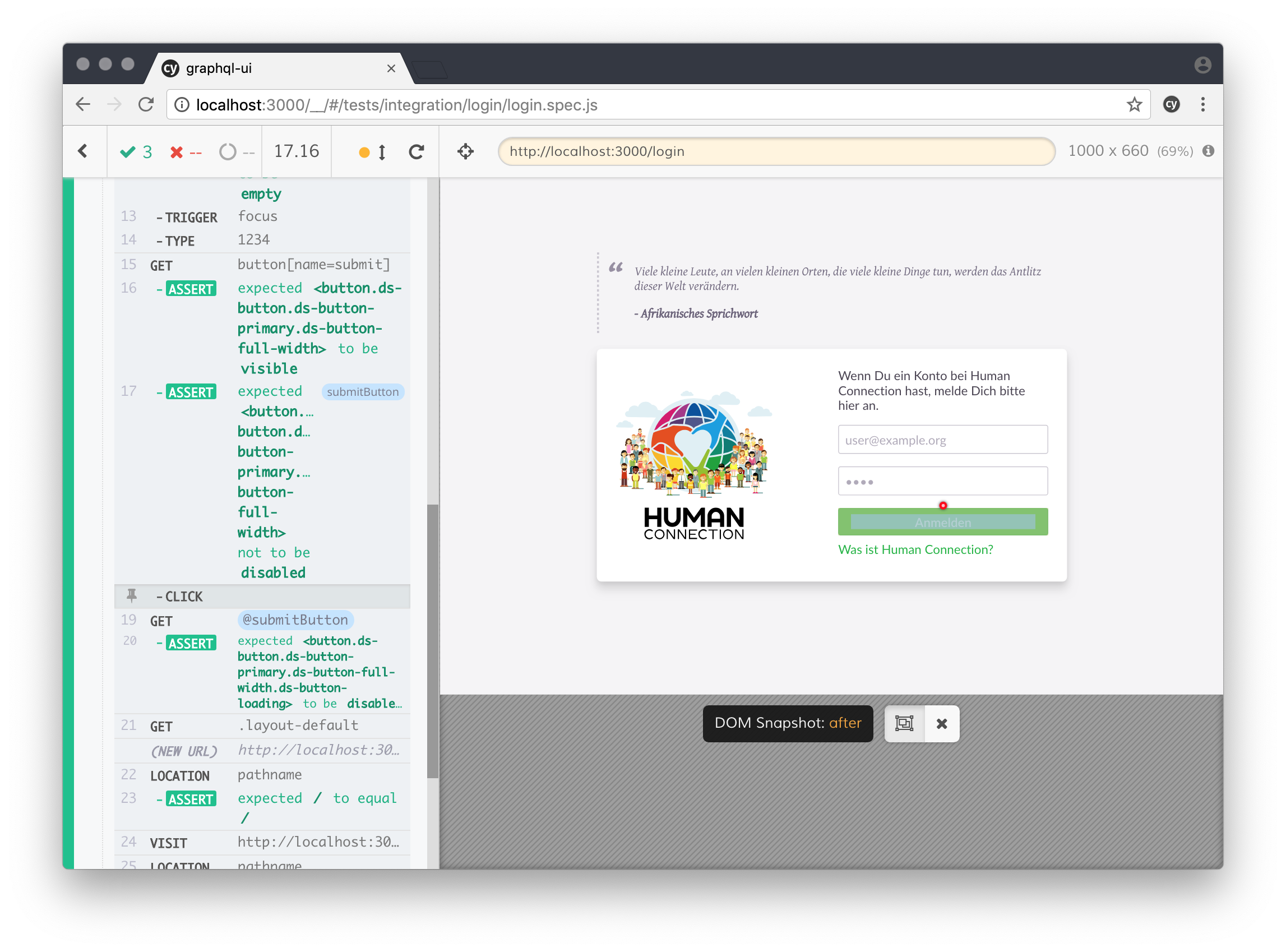
The interactive cypress test console allows to run tests and have visual feedback on that. The interactive cypress environment also helps at debugging the tests, you can even time travel between individual steps and see the exact state of the app.
To use this feature run:
$ yarn cypress:open
Run cypress
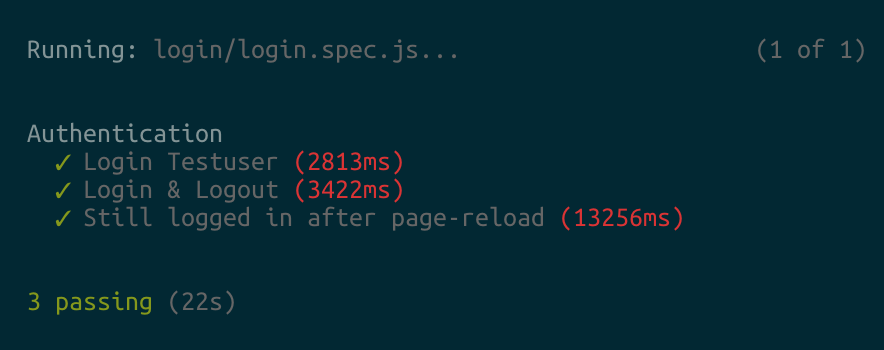
To run cypress without the user interface:
$ yarn cypress:run
This is used to run cypress in CI or in console
Write some Tests
Check out the Cypress documentation for further information on how to write tests: Write-a-simple-test