 d49afc25cf
* Implement cypress tests

- Start implementation of cypress tests for pinned posts

* Test that Admin can pin a post

- Tests the process of an admin pinning a post

* Resolve failing tests

- Fix ordering of posts immediately after pinning posts by reloading page
- Check that tests are pinned posts are displayed first for role user

* Refactor to seperate the initialization

- Of the post data created in the database during setup

* Fix toaster test

* test(cypress): Add missing parts for pin feature

* docs(cucumber): Link to admin 🥒 folder

* Follow @mattwr18's suggestions

* test(backend): Order pinned posts like frontend

@mattwr18 I think this was a false negative.

Co-authored-by: Robert Schäfer <git@roschaefer.de>
End-to-End Testing
Setup with docker
Are you running everything through docker? You're so lucky you don't have to setup anything!
Just:
docker-compose up
Setup without docker
First, you have to tell cypress how to connect to your local neo4j database among other things. You can copy our template configuration and change the new file according to your needs.
To start the services that are required for cypress testing, run:
# in the top level folder Human-Connection/
$ yarn cypress:setup
Install cypress
Even if the required services for testing run via docker, depending on your setup, the cypress tests themselves run on your host machine. So with our without docker, you would have to install cypress and its dependencies first:
# in the root folder /
yarn install
Run cypress
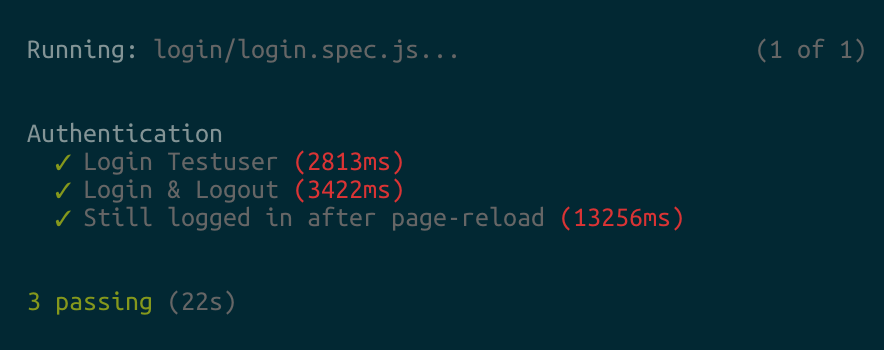
After verifying that there are no errors with the servers starting, open another tab in your terminal and run the following command:
$ yarn cypress:run
Open Interactive Test Console
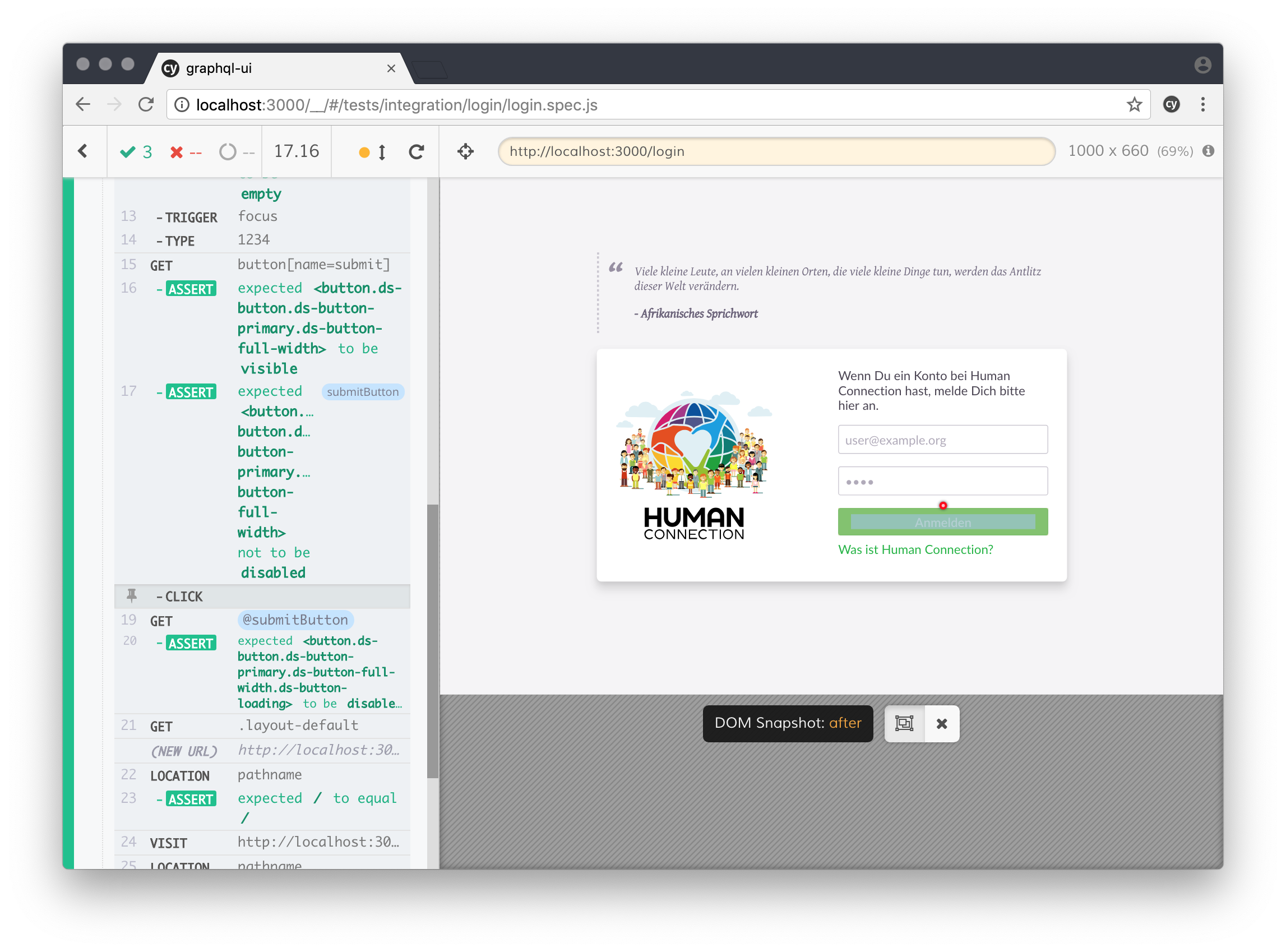
If you are like me, you might want to see some visual output. The interactive cypress environment also helps at debugging your tests, you can even time travel between individual steps and see the exact state of the app.
To use this feature, instead of yarn cypress:run you would run the following command:
$ yarn cypress:open
Write some Tests
Check out the Cypress documentation for further information on how to write tests: https://docs.cypress.io/guides/getting-started/writing-your-first-test.html#Write-a-simple-test