 a69006873d
* Notifications view:
- restructured broken layout
- joined several columns for mobile view
- moved button from footer to header
- set alternating colors for the table rows

UserTeaser
- added injectedText
- added injectedDate
- fixed padding

* fixed race-condition with default behavior of browser

* - fixed: jumping menu / menu should get closed by click on notification
- fixed: NotificationList replaced by NotificationTable

* - fixed: menu gets closed when cursor leaves content area, but it is still within popup

* - fixed: menu top buttons should be next to each other

* - fixed: popup background overlay remains after NotificationMenu disappeared after viewport change to mobile

* - fixed lint errors

* - fixed tests + snapshots

* - fixed e2e test

* fix lint error

Co-authored-by: Sebastian Stein <sebastian@codepassion.de>

* Fix locale identifier to have single quotes 'notifications.reason.on_date'

---------

Co-authored-by: Sebastian Stein <sebastian@codepassion.de>
Co-authored-by: Wolfgang Huß <wolle.huss@pjannto.com>
Co-authored-by: Ulf Gebhardt <ulf.gebhardt@webcraft-media.de>
End-to-End Testing
Setup with docker
Are you running everything through docker? You're so lucky you don't have to setup anything!
Just:
$ docker-compose up
Setup without docker
To start the services that are required for cypress testing manually. You basically need the whole setup to run:
- backend
- webapp
- neo4j
Navigate to the corresponding folders and start the services.
Install cypress
Even if the required services for testing run via docker, depending on your setup, the cypress tests themselves run on your host machine. So with our without docker, you would have to install cypress and its dependencies first:
# in the root folder /
$ yarn install
Open Interactive Test Console
The interactive cypress test console allows to run tests and have visual feedback on that. The interactive cypress environment also helps at debugging the tests, you can even time travel between individual steps and see the exact state of the app.
To use this feature run:
$ yarn cypress:open
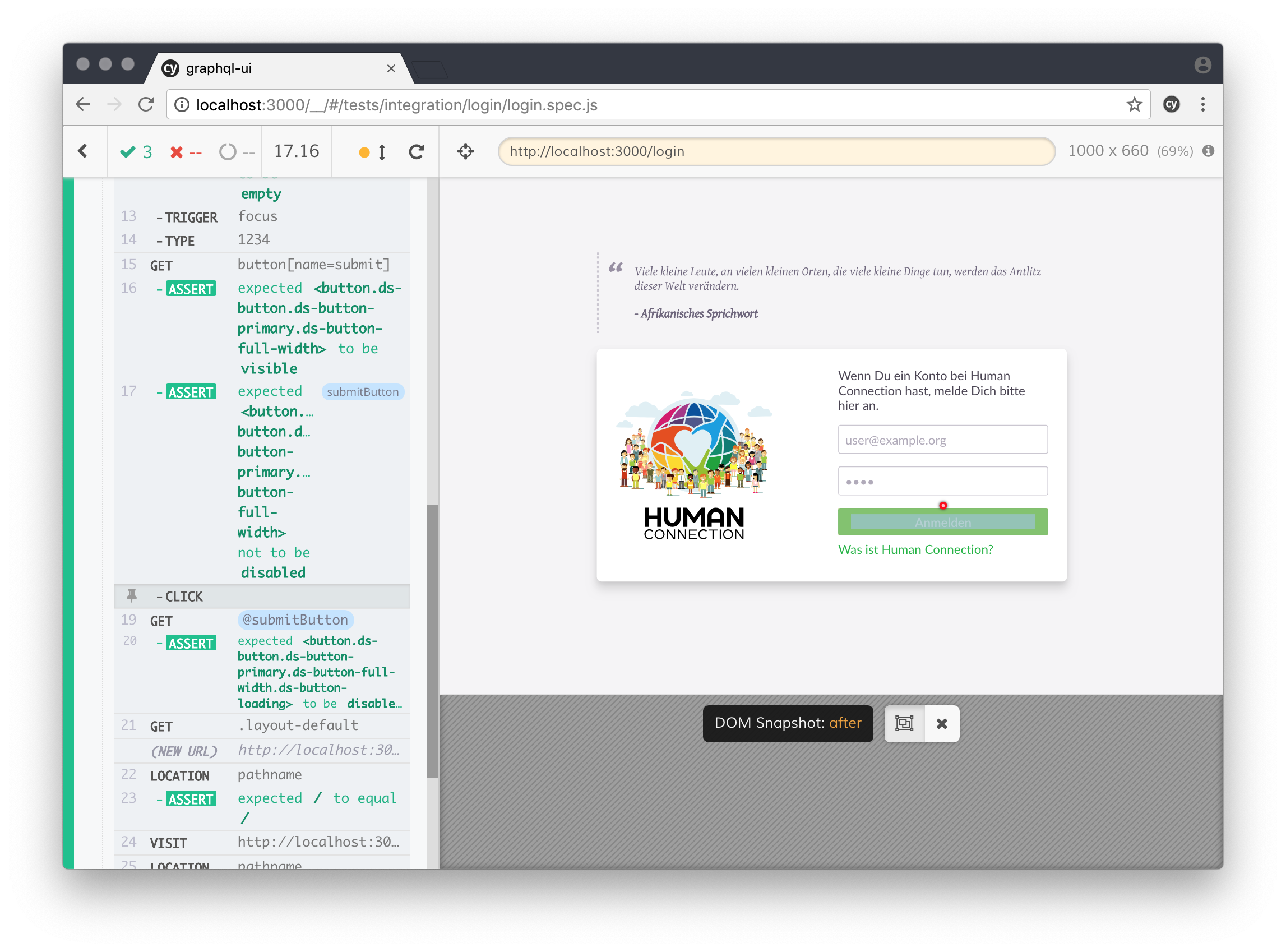
Run cypress
To run cypress without the user interface:
$ yarn cypress:run
This is used to run cypress in CI or in console
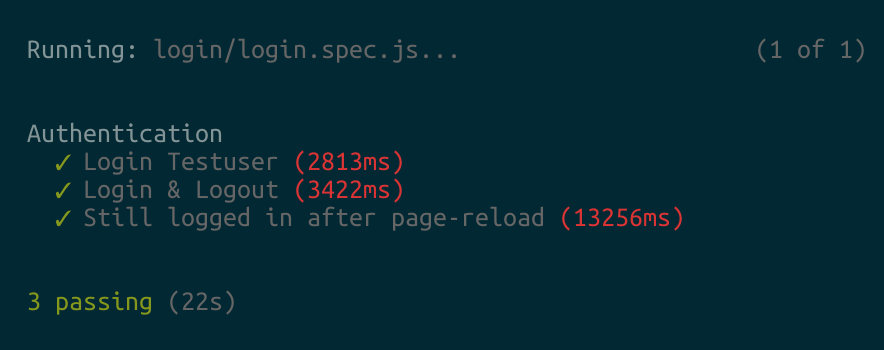
Write some Tests
Check out the Cypress documentation for further information on how to write tests: Write-a-simple-test