 33274e5b9a
* calculate distance between current user and queried user

* fix query for unset location

* use database to calculate distance

* rename distance to distance to me, 100% calculation done in DB

* distanceToMe tests

* lint fixes

* remove comments

* Show user teaser popover with badges, Desktop

* Refactor UserTeaser and add mobile popover support

* Avoid click propagation (WIP)

* Prevent event propagation

* Adjust alignment and font sizes

* More spacing for statistics

* Add distance, simplify user link

* Refactor location info into own component

* Add tests for UserTeaserPopup

* Refactor and test LocationInfo

* Query distanceToMe, rename distance to distanceToMe

* Update test

* Improve tests for UserTeaser, WIP

* Fix tests

* DistanceToMe on User instead of Location

* Revert "DistanceToMe on User instead of Location"

This reverts commit 96c9db00a44cd120e47bfe9534d3e066a194744c.

* Fix notifications

* Refactor UserTeaser and fix location info

* Fix group member crash

* Show 0 distance

* Fit in popover on small screens

* Allow access to profile on desktop

* Revert backend changes

* Load user teaser popover data only when needed

* Fix type mismatch

* Refactor for clarity and accessibility

* Litte refactorings and improvements

* Fix popover test

* Adapt and fix tests

* Fix tests and bugs

* Add placeholder

* cypress: adapt user teaser locator to changes

* Remove delays and scrolling

* Disable popovers in notification list and fix layout

* Remove flickering

* Make overlay catch all pointer events on touch devices

* Re-add attribute for E2E test

* Fix test, return to mouseover

* fix snapshot

---------

Co-authored-by: Ulf Gebhardt <ulf.gebhardt@webcraft-media.de>
Co-authored-by: Wolfgang Huß <wolle.huss@pjannto.com>
Co-authored-by: mahula <lenzmath@posteo.de>
End-to-End Testing
Setup with docker
Are you running everything through docker? You're so lucky you don't have to setup anything!
Just:
$ docker-compose up
Setup without docker
To start the services that are required for cypress testing manually. You basically need the whole setup to run:
- backend
- webapp
- neo4j
Navigate to the corresponding folders and start the services.
Install cypress
Even if the required services for testing run via docker, depending on your setup, the cypress tests themselves run on your host machine. So with our without docker, you would have to install cypress and its dependencies first:
# in the root folder /
$ yarn install
Open Interactive Test Console
The interactive cypress test console allows to run tests and have visual feedback on that. The interactive cypress environment also helps at debugging the tests, you can even time travel between individual steps and see the exact state of the app.
To use this feature run:
$ yarn cypress:open
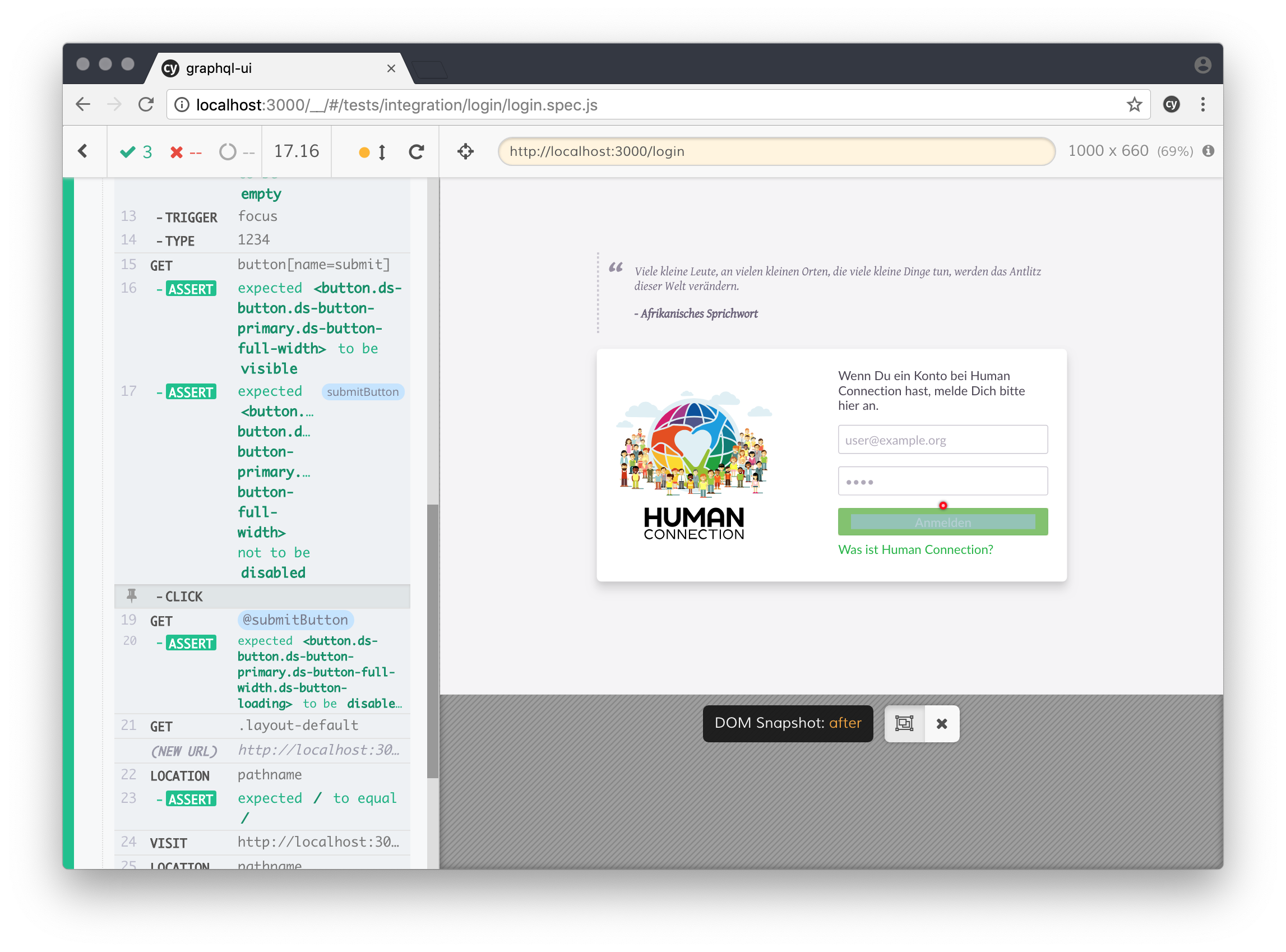
Run cypress
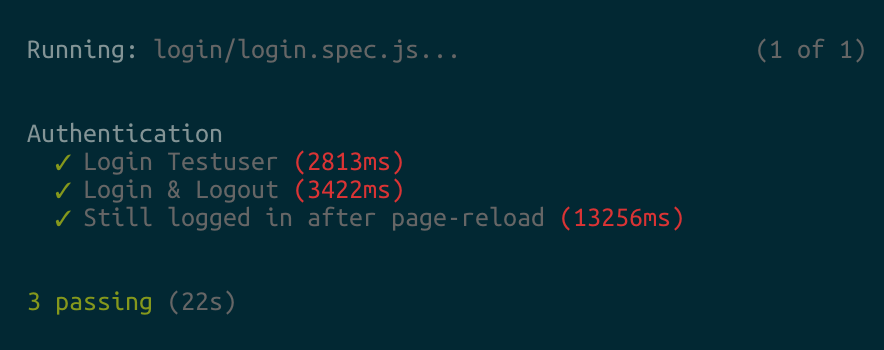
To run cypress without the user interface:
$ yarn cypress:run
This is used to run cypress in CI or in console
Write some Tests
Check out the Cypress documentation for further information on how to write tests: Write-a-simple-test