mirror of
https://github.com/IT4Change/gradido.git
synced 2026-02-06 09:56:05 +00:00

133 lines
3.5 KiB
Markdown
133 lines
3.5 KiB
Markdown
# Setup on Hetzner Cloud Server
|
|
Suggested OS:
|
|
Debian 12
|
|
|
|
For Hetzner Cloud Server a cloud config can be attached, which will be run before first start
|
|
https://community.hetzner.com/tutorials/basic-cloud-config/de
|
|
https://cloudinit.readthedocs.io/en/latest/reference/examples.html
|
|
You can use our [cloudConfig.yaml](./cloudConfig.yaml) but you must insert you own ssh public key,
|
|
like this:
|
|
```yaml
|
|
ssh_authorized_keys:
|
|
- ssh-ed25519 AAAAC3NzaC1lZDI1NTE5AAAAIAkLGbzbG7KIGfkssKJBkc/0EVAzQ/8vjvVHzNdxhK8J yourname
|
|
```
|
|
|
|
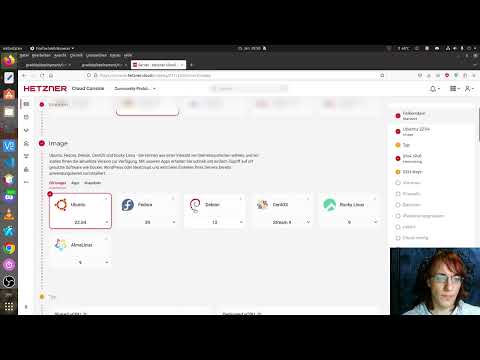
I made a (german) video to show it to you:
|
|
|
|
[](https://www.youtube.com/watch?v=fORK3Bt3lPw)
|
|
|
|
## After Setup Cloud Server with cloudConfig.yaml
|
|
### setup your domain pointing on server ip address
|
|
### login to your new server as root
|
|
```bash
|
|
ssh -i /path/to/privKey root@gddhost.tld
|
|
```
|
|
|
|
### Change default shell
|
|
|
|
```bash
|
|
chsh -s /bin/bash
|
|
chsh -s /bin/bash gradido
|
|
```
|
|
|
|
### Set password for user `gradido`
|
|
|
|
```bash
|
|
$ passwd gradido
|
|
# enter new password twice
|
|
```
|
|
|
|
### Switch to the new user
|
|
|
|
```bash
|
|
su gradido
|
|
```
|
|
|
|
### Test authentication via SSH
|
|
|
|
If you logout from the server you can test authentication:
|
|
|
|
```bash
|
|
$ ssh -i /path/to/privKey gradido@gddhost.tld
|
|
# This should log you in and allow you to use sudo commands, which will require the user's password
|
|
```
|
|
|
|
### Disable password root login via ssh
|
|
|
|
```bash
|
|
sudo cp /etc/ssh/sshd_config /etc/ssh/sshd_config.org
|
|
sudo sed -i -e '/^\(#\|\)PermitRootLogin/s/^.*$/PermitRootLogin no/' /etc/ssh/sshd_config
|
|
sudo sed -i '$a AllowUsers gradido' /etc/ssh/sshd_config
|
|
sudo /etc/init.d/ssh restart
|
|
```
|
|
|
|
### Test SSH Access only, no root ssh access
|
|
|
|
```bash
|
|
$ ssh gradido@gddhost.tld
|
|
# Will result in in either a passphrase request for your key or the message 'Permission denied (publickey)'
|
|
$ ssh -i /path/to/privKey root@gddhost.tld
|
|
# Will result in 'Permission denied (publickey)'
|
|
$ ssh -i /path/to/privKey gradido@gddhost.tld
|
|
# Will succeed after entering the correct keys passphrase (if any)
|
|
```
|
|
|
|
### Install `Gradido` code
|
|
```bash
|
|
cd ~
|
|
git clone https://github.com/gradido/gradido.git
|
|
```
|
|
|
|
### Adjust the values in `.env`
|
|
|
|
***!!! Attention !!!***
|
|
|
|
*Don't forget this step!
|
|
All your following installations in `install.sh` will fail!*
|
|
|
|
*Notes:*
|
|
|
|
- *`;` cannot be part of any value!*
|
|
- *The GitHub secret is created on GitHub in Settings -> Webhooks.*
|
|
|
|
#### Create `.env` and set values
|
|
|
|
```bash
|
|
cd ~/gradido/deployment/bare_metal
|
|
cp .env.dist .env
|
|
nano .env
|
|
|
|
# adjust values accordingly
|
|
```
|
|
|
|
### Run `install.sh` with branch name
|
|
***!!! Attention !!!***
|
|
Don't use this script if you have custom config in /etc/nginx/conf.d, because this script
|
|
will remove it and ln ../bare_metal/nginx/conf.d
|
|
|
|
```bash
|
|
cd ~/gradido/deployment/hetzner_cloud
|
|
sudo ./install.sh release-2_2_0
|
|
```
|
|
|
|
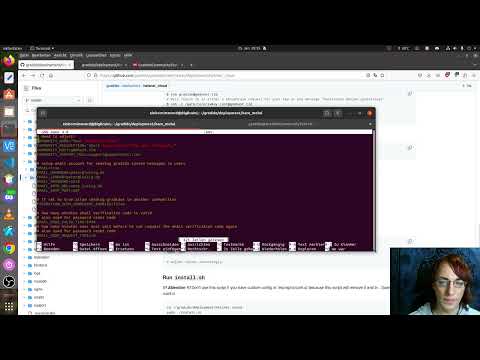
I made a (german) video to show it to you:
|
|
|
|
[](https://www.youtube.com/watch?v=9h-55Si6bMk)
|
|
|
|
### Make yourself admin
|
|
- Create an account on your new gradido instance
|
|
- Click the link in the activation email
|
|
- go back to your ssh session and copy this command
|
|
|
|
```bash
|
|
sudo mysql -D gradido_community -e "insert into user_roles(user_id, role) values((select id from users order by id desc limit 1), 'ADMIN');"
|
|
```
|
|
|
|
- it will make last registered user admin
|
|
- login with you newly created user
|
|
- if you has a link to `Admin Area` it worked and you are admin
|
|
|
|
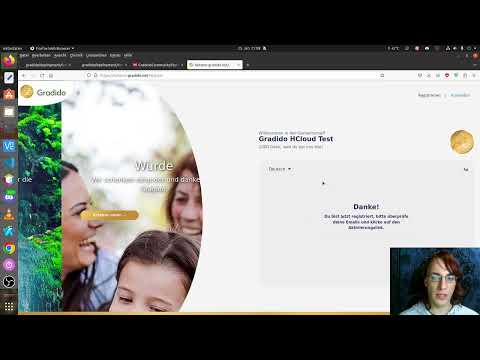
I made a (german) video to show it to you:
|
|
|
|
[](https://www.youtube.com/watch?v=xVQ5t4MnLrE)
|